Free and open source · v0.1.5

A keyboard-first companion for your Windows 365 fleet.

W365 CLI Native is a fast, native command-line app for admins who want to browse, filter, and act on Cloud PCs without stepping away from the terminal. One binary, sign in once, and everything you need is a keystroke away.

Detecting your platform…
W365 CLI Native
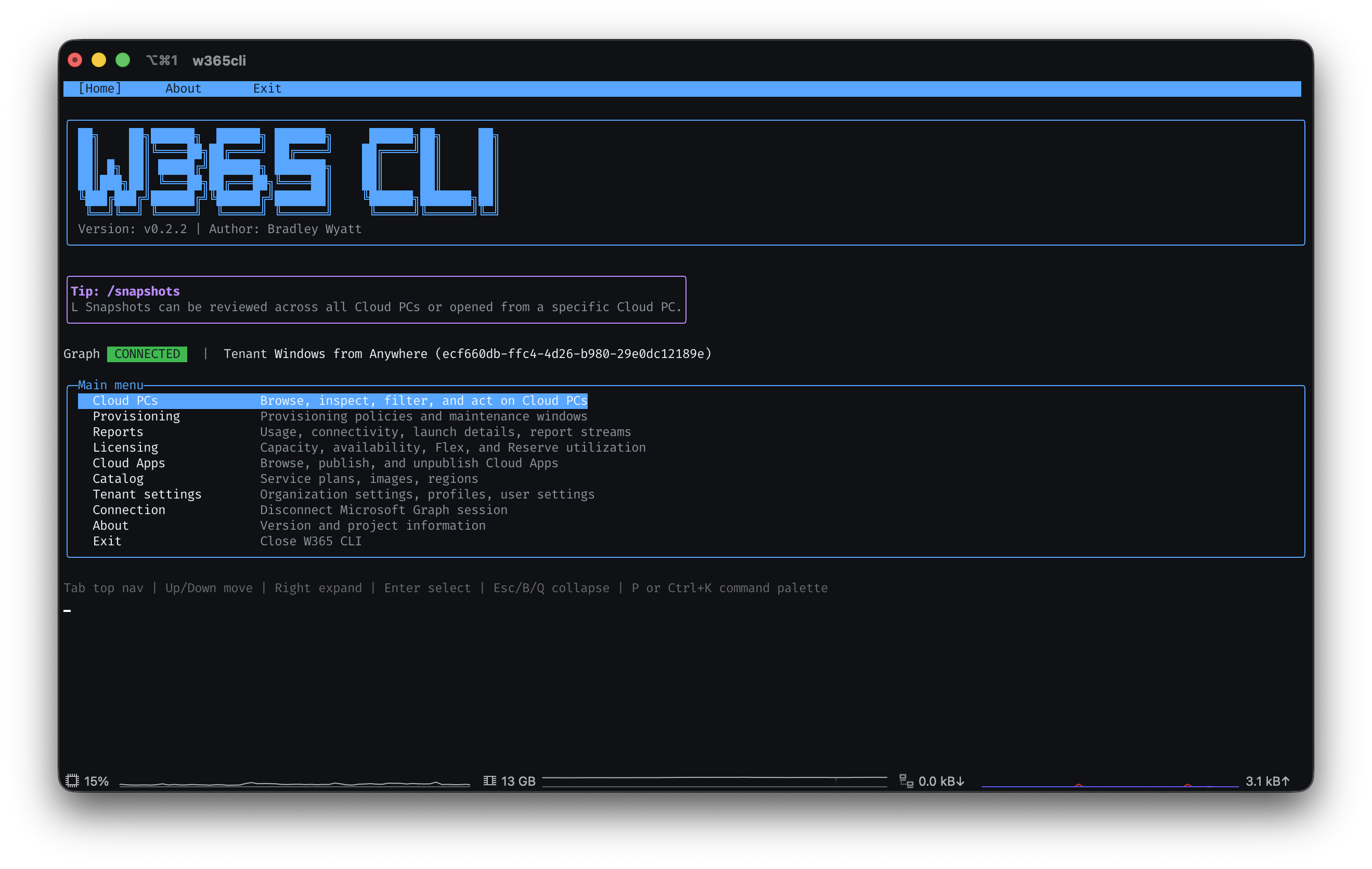
W365 CLI Native main menu showing tenant status, connection info, and update check
Built for fleet admins

A faster way to work through everyday Cloud PC tasks.

If you manage a fleet of Cloud PCs, you know the routine: restart one, resize another, check on a snapshot, review a provisioning policy. W365 CLI Native brings those everyday actions into a single, fast, keyboard-driven view so you can move through them quickly.

Speed

Act on your fleet in seconds

Filter, sort, and run actions on Cloud PCs without repeating the same navigation steps for every device.

Focus

Stay in the terminal

Keep your fleet, your scripts, and your workflow in one place instead of switching between windows.

Scale

Built for bigger fleets

Instant filtering and a command palette make it easy to work across dozens or hundreds of Cloud PCs at once.

Why we built it
We manage Windows 365 fleets too, and wanted a keyboard-first way to move through the same tasks we do every day: browsing, filtering, and acting on Cloud PCs.
CI status Release status Latest release .NET 8
  • Open source on GitHub, so you can inspect every line before you trust it with your tenant
  • Windows binaries signed with Azure Trusted Signing; macOS builds signed and notarized by Apple
  • Every release ships with SHA256 checksums for Windows and macOS assets
  • Built on Microsoft Graph delegated permissions, so no standing admin credentials are stored
  • Built-in "Check for updates" compares your binary against the latest GitHub Release
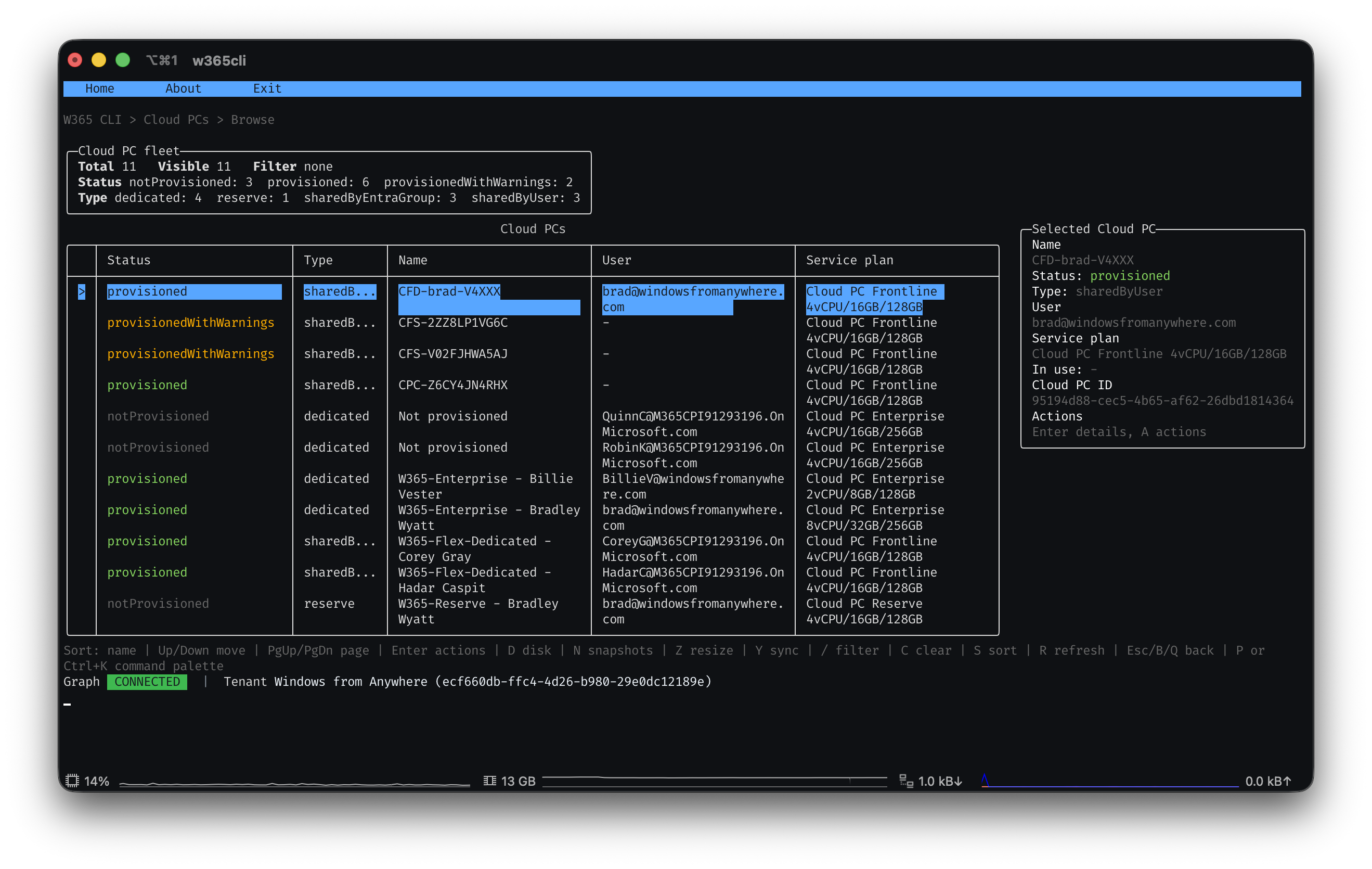
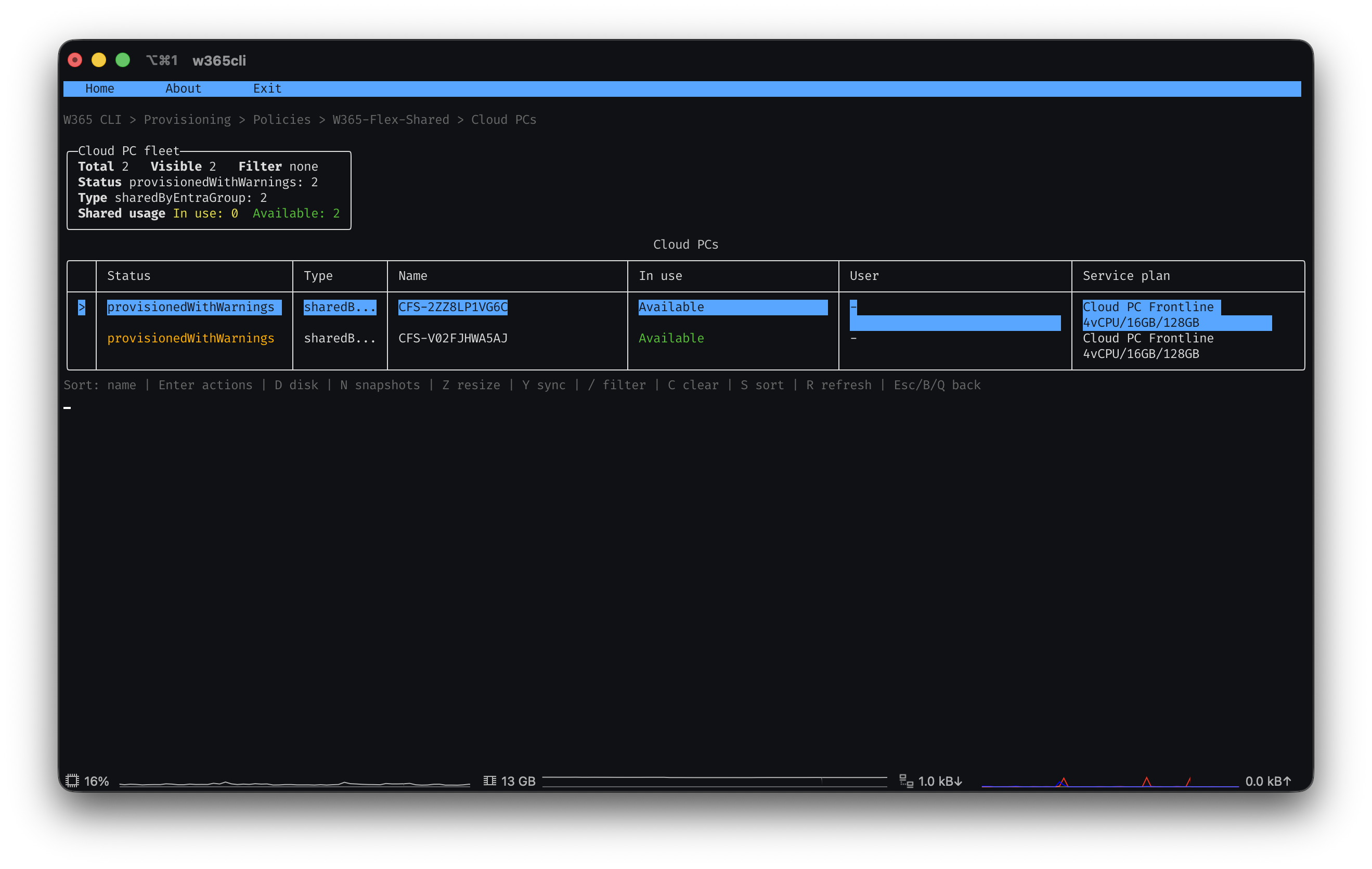
Cloud PCs · Browse
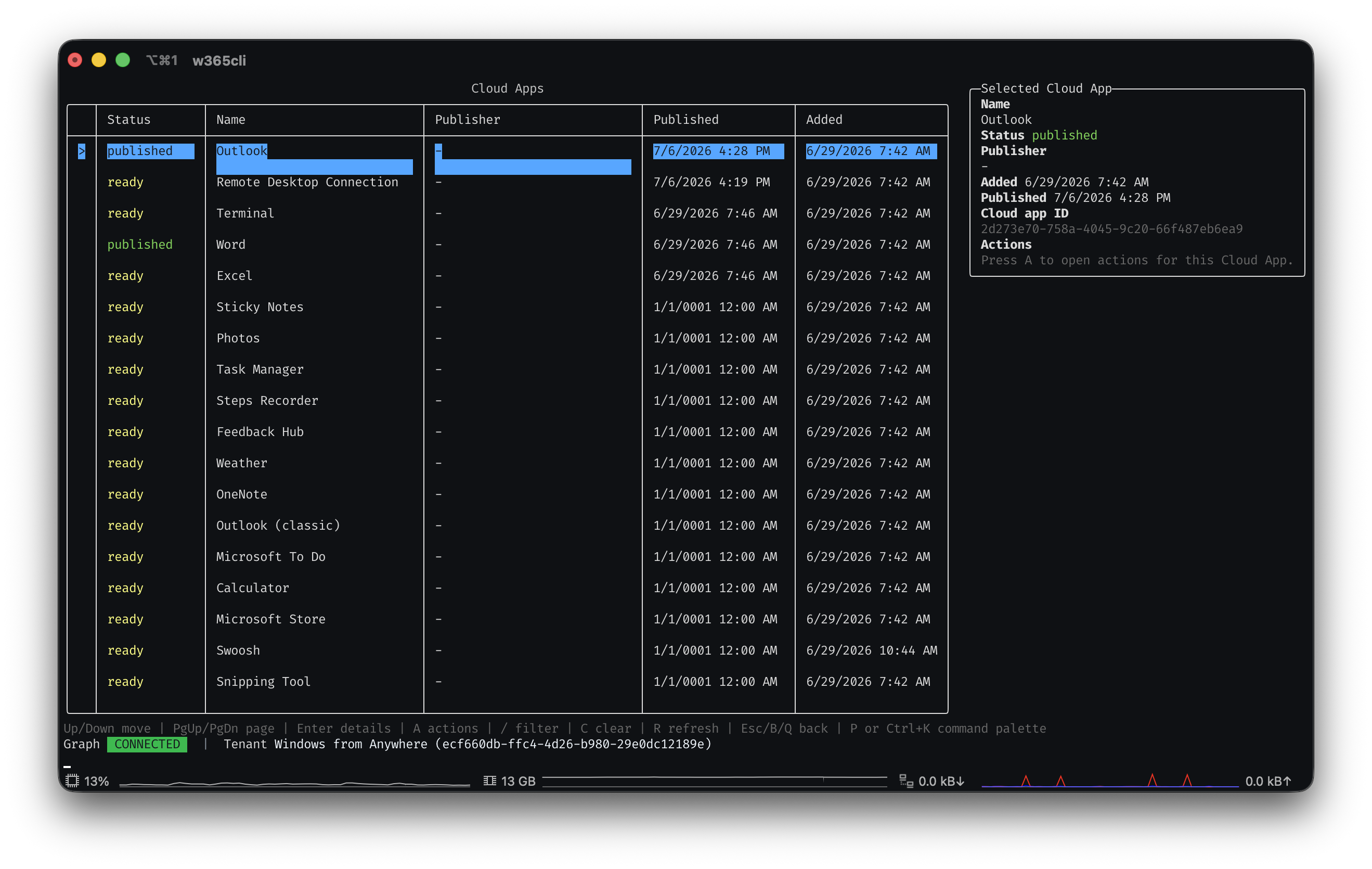
W365 CLI Native browsing a Cloud PC fleet with filters, sorting, and a detail panel
Get started

Three steps from download to managing your fleet.

No installers and no modules to import. Just a binary.

1

Download and extract

Grab the zip for your OS and architecture, extract it, and put it wherever you keep your tools. We recommend %LOCALAPPDATA%\Programs\W365CLI on Windows.

2

Sign in once

Run the binary and connect with your Microsoft Graph account. MSAL caches your session so you won't need to sign in again on every launch.

3

Manage your fleet

Browse, filter, restart, resize, snapshot, and reprovision Cloud PCs, all from the keyboard.

What you get

Everyday Cloud PC actions, right at your fingertips.

With W365 CLI Native

  • Restart, resize, and reprovision in seconds, right from your terminal
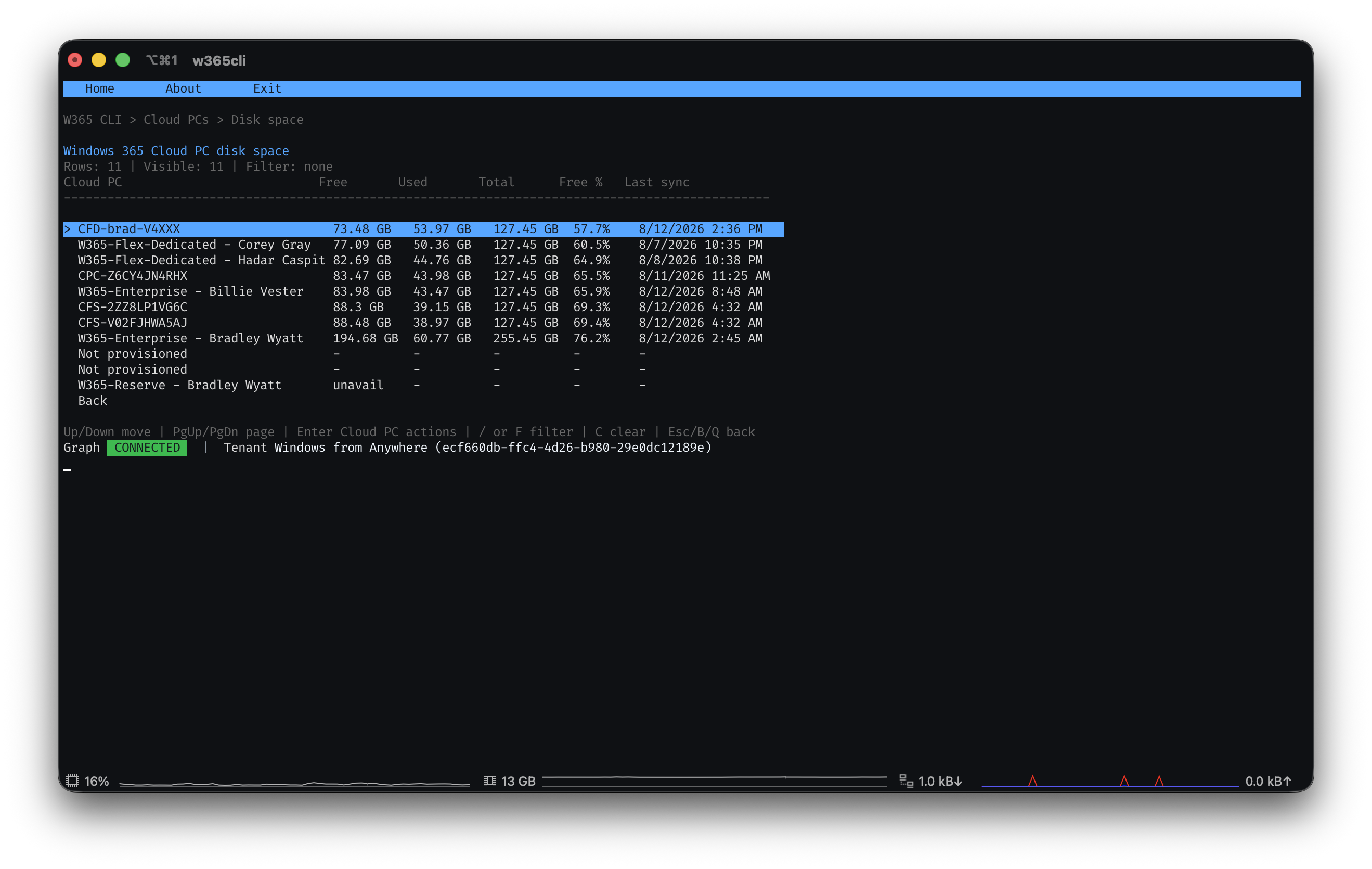
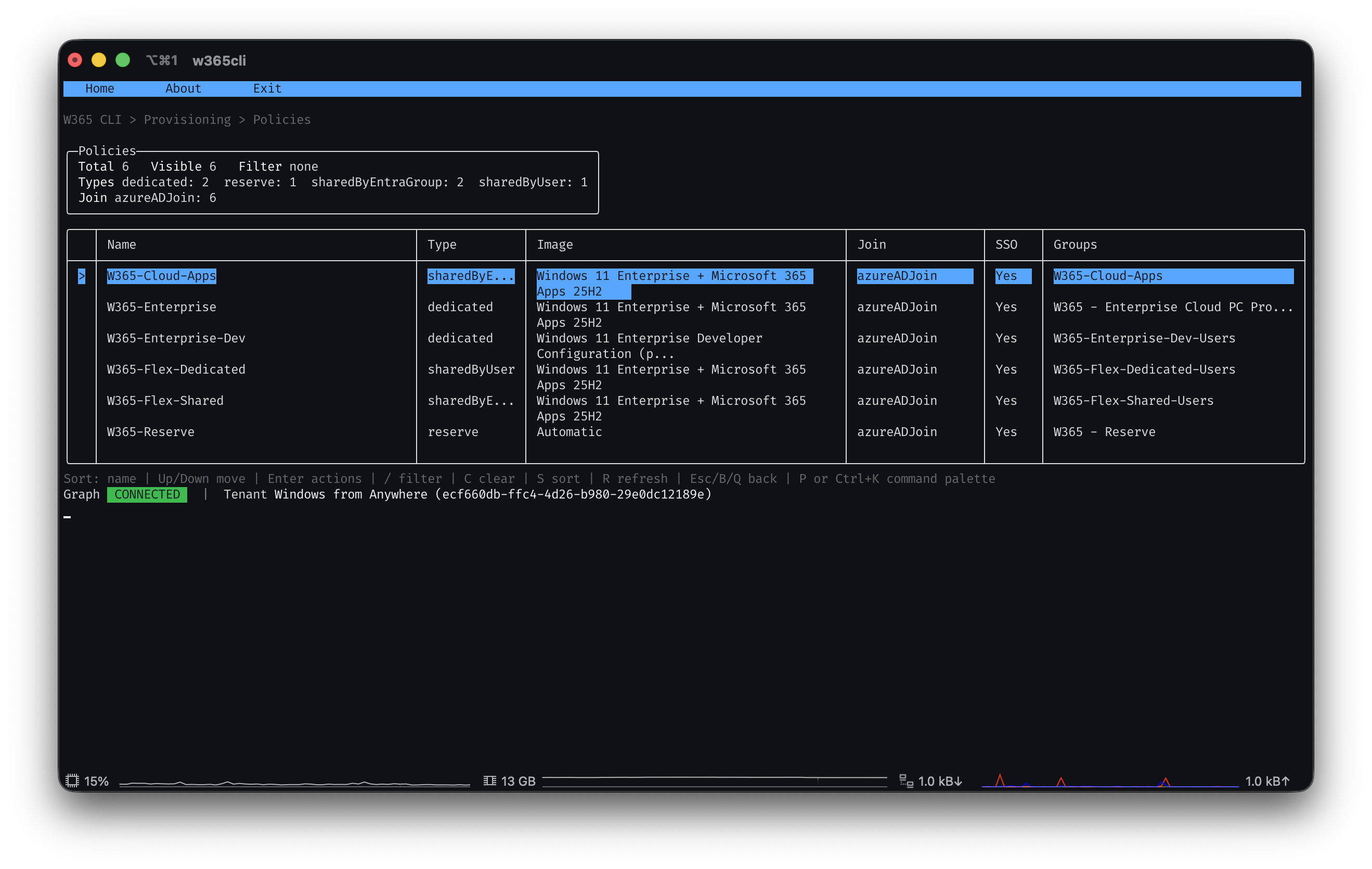
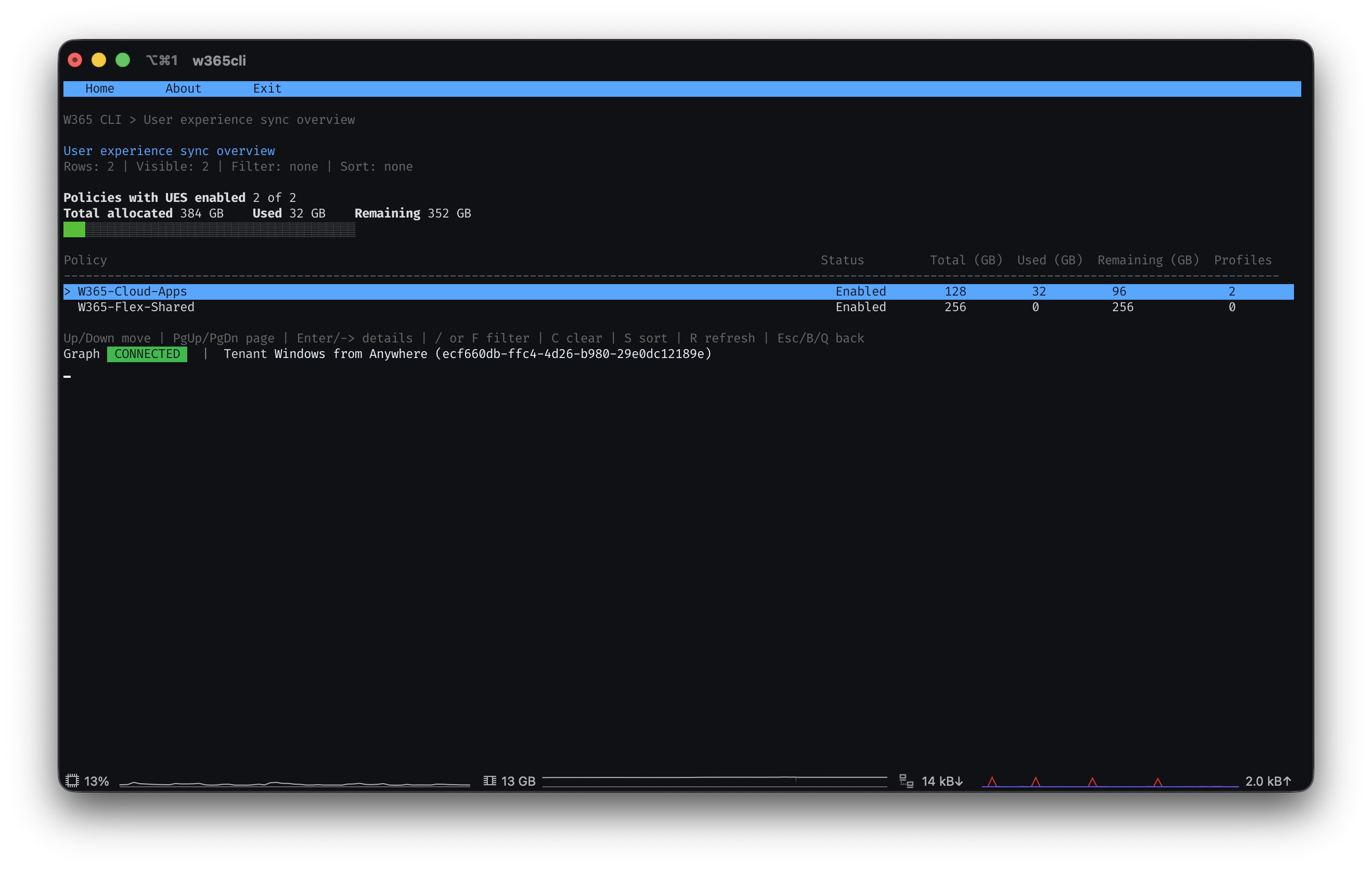
  • One keyboard-driven view of Cloud PCs, provisioning, reports, and licensing
  • Instant filtering, sorting, and searching across your whole fleet
  • A command palette that puts every action a keystroke away

Good to know

  • Free and open source, with signed and checksummed release builds
  • Built-in update check keeps you on the latest release
  • Works alongside your existing Windows 365 tools and workflows
  • Runs on Windows and macOS, x64 and ARM64
Ready when you are

Give your Windows 365 workflow a keyboard-first upgrade.

Free, open source, and built for admins who like to move fast.